Pull Planning Together.
Build the plan with the people doing the work. Keep commitments, constraints and weekly progress in one shared place.
Try Zubos Planning free for 14 days. No automatic charge. Paid plans aren’t available to buy yet.
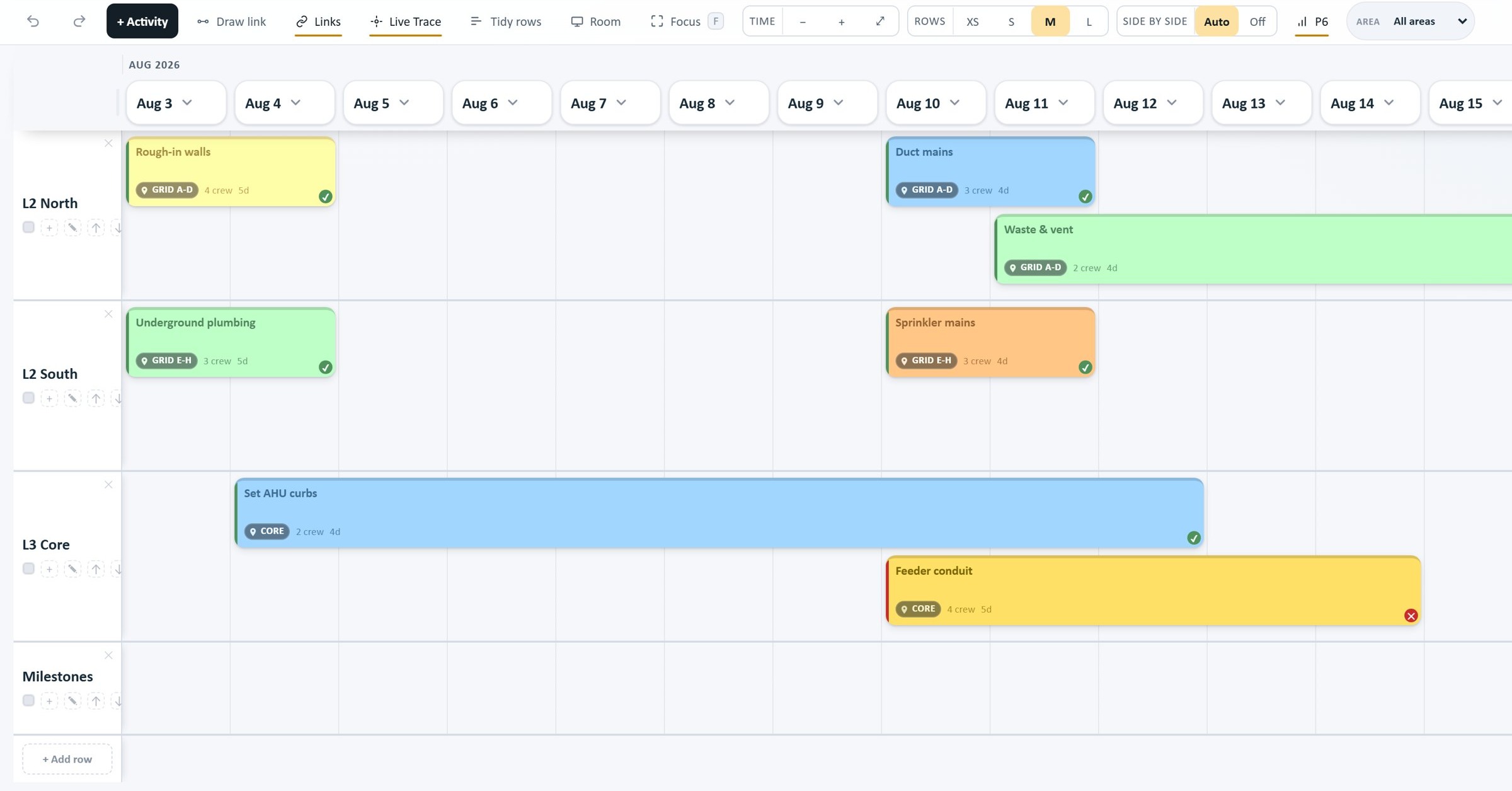
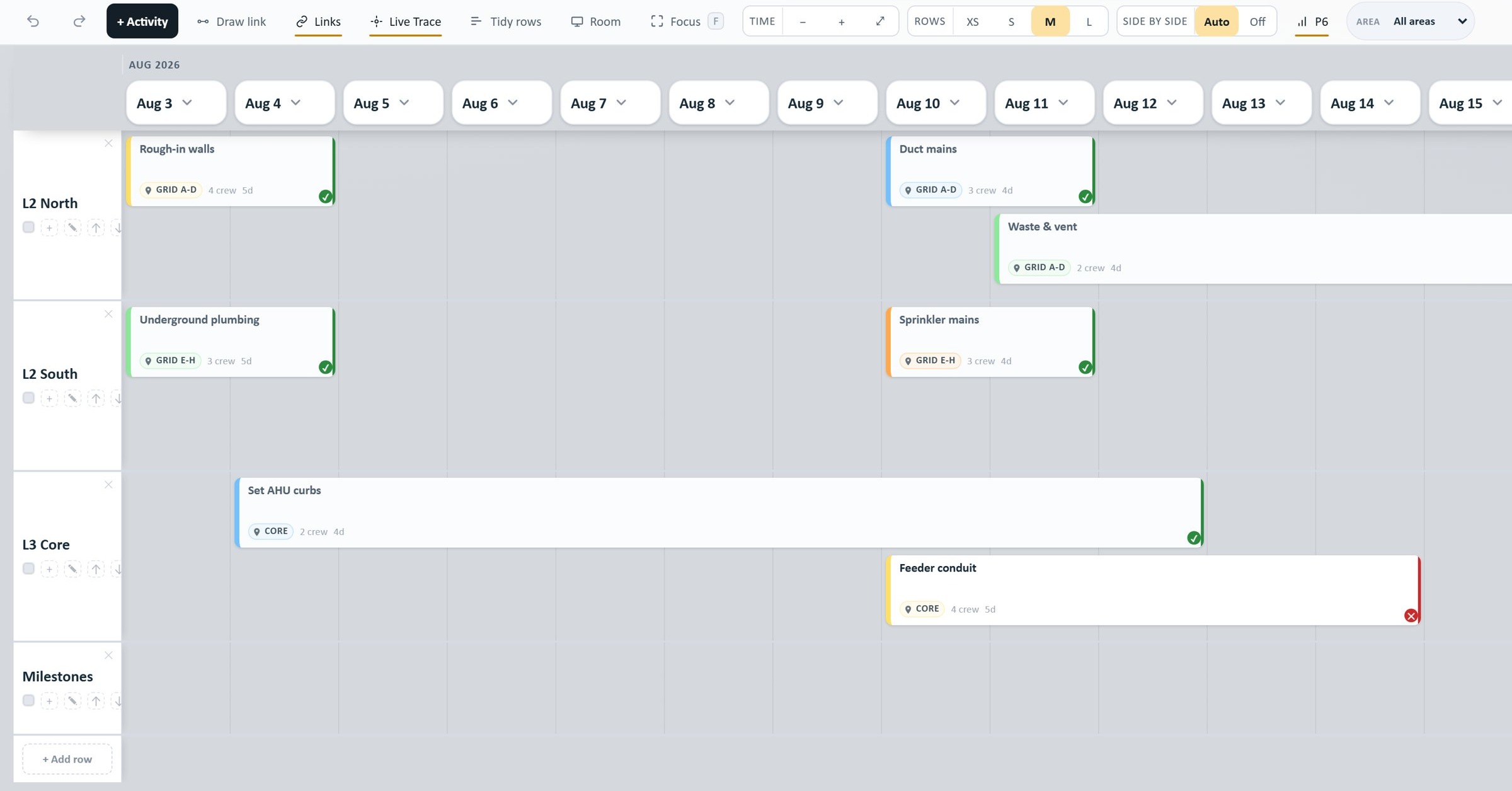
Drag the divider to compare the two ticket styles — the same board, day range and framing. Illustrative demo project data.
See it working
Every plan includes all of it. Nothing here is held back to sell you an upgrade.
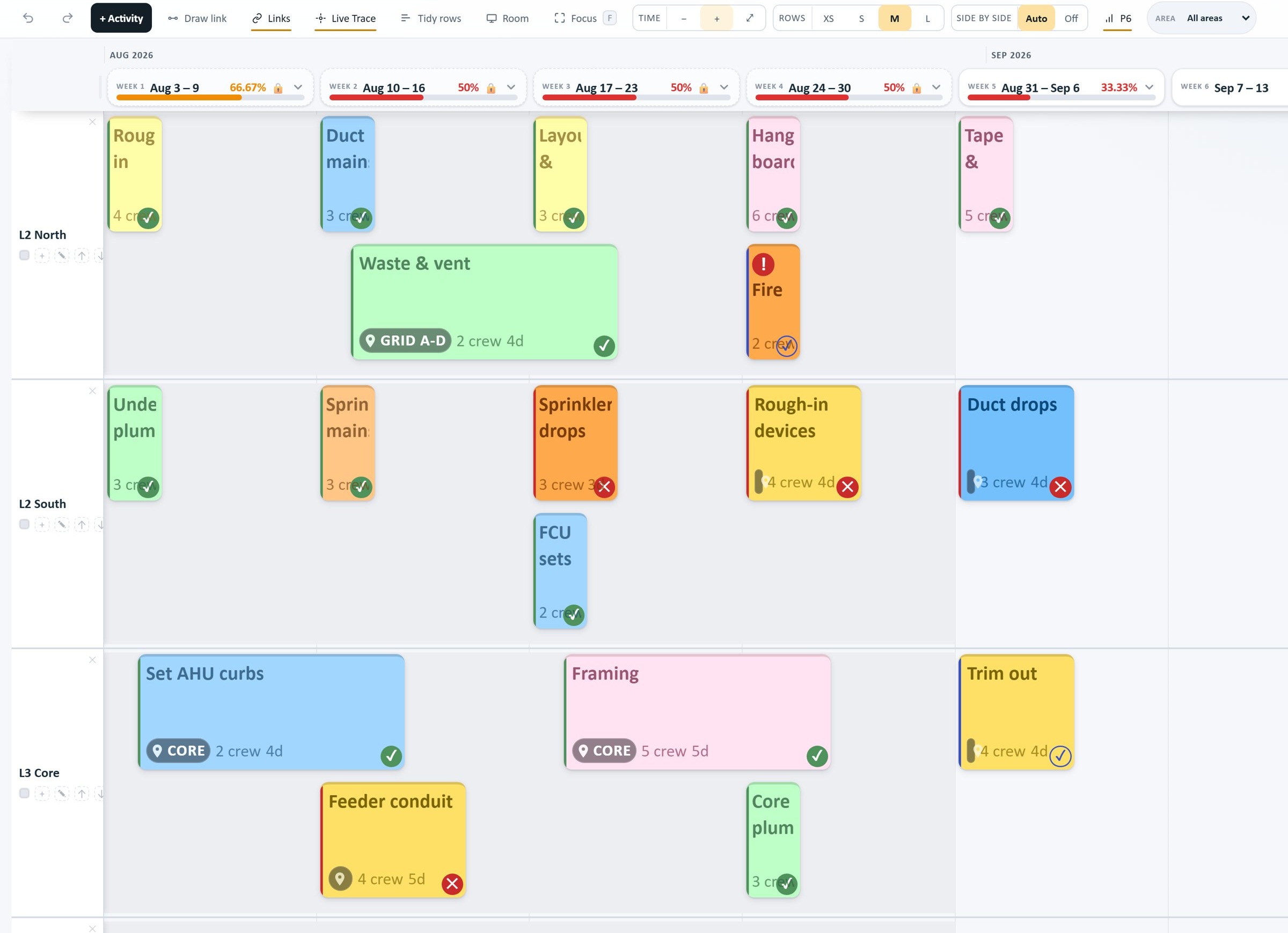
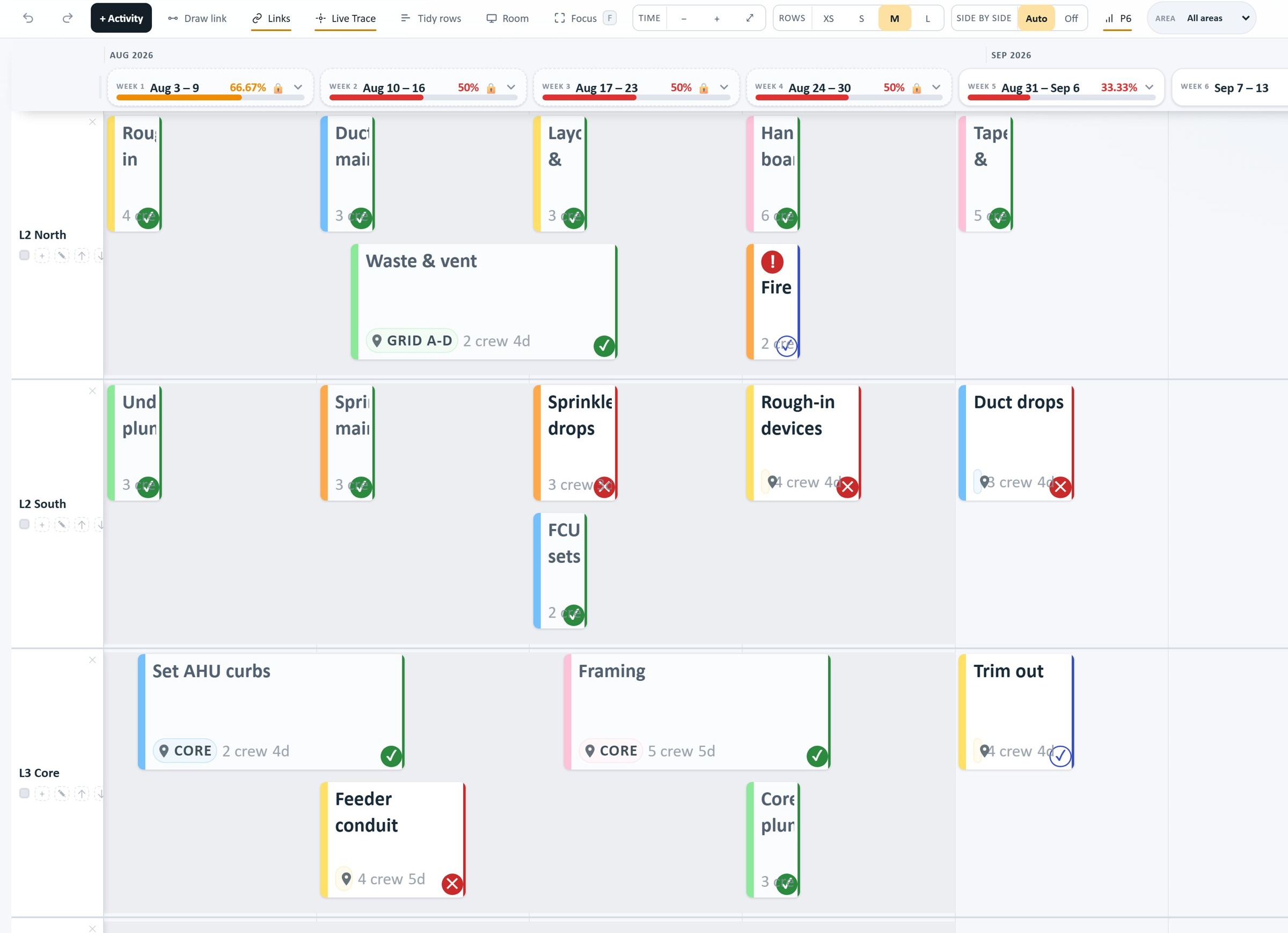
Area rows down, weeks across, trades in colour. Switch the ticket style below: Filled paints the whole card in the trade colour; Ink keeps a white card with a coloured edge — the same board either way.
Illustrative demo project data.
Works with the schedule your contract runs on
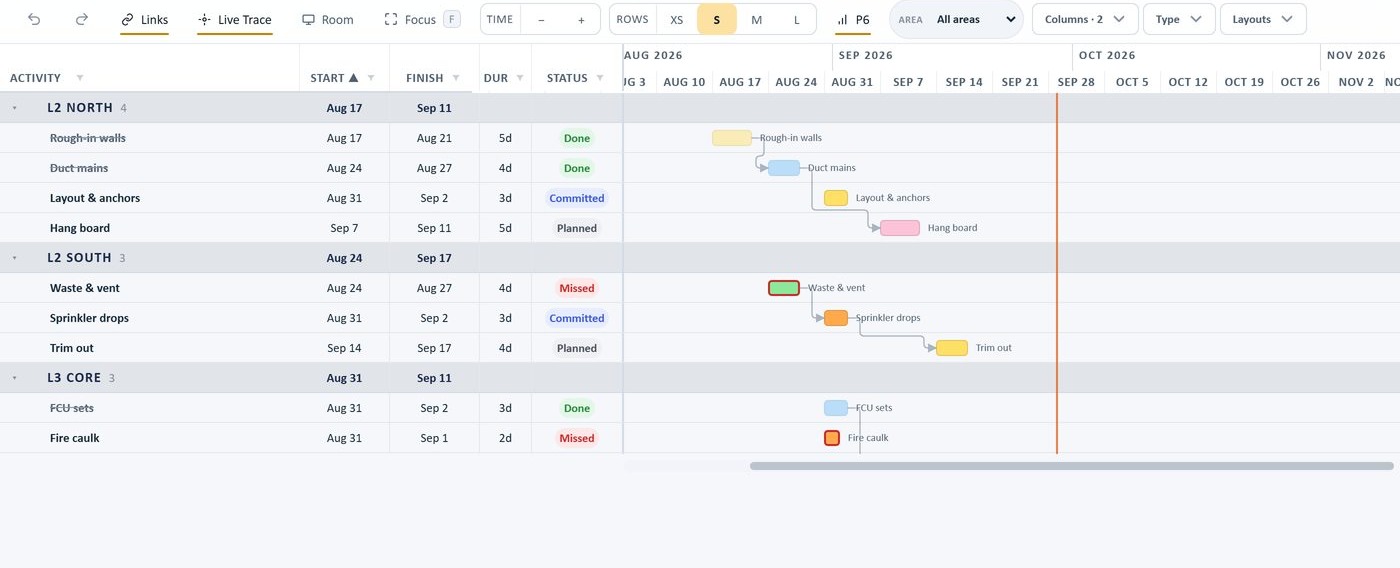
Bring a master schedule onto the board and plan with the field. Exchange the plan as XML or Excel. Each direction is a deliberate step by file; none of them updates or reschedules P6.

Oracle Primavera P6
XML- Import
- The schedule, or one WBS branch, as tickets or reference.
- Export
- The whole board as P6 XML, for Create New Project.

Microsoft Project
XML- Import
- The schedule as tickets — the same pipeline as P6, auto-detected.
- Export
- An MSPDI file carrying the field’s actuals; you open the returned file.
Excel
XLSX- Import
- Planned tickets from a template with this project’s trades and areas.
- Export
- A snapshot of the board.
Three things that keep a plan alive past week three
Plan visually. Sequence together.
Everyone drags their own activities onto one board, and the sequence is agreed in the room — not emailed afterward.
- Drag to move, resize a duration, or draw a link.
- Select thirty and set trade, crew or duration at once.
Illustrative demo project data.
Protect the promise of every week
Commit the week, then close it, and its result is kept: what was promised, what got done, and what did not.
- Record a reason for missed work.
- Each closed week keeps its PPC result.
Illustrative demo project data.
Make work ready before it starts.
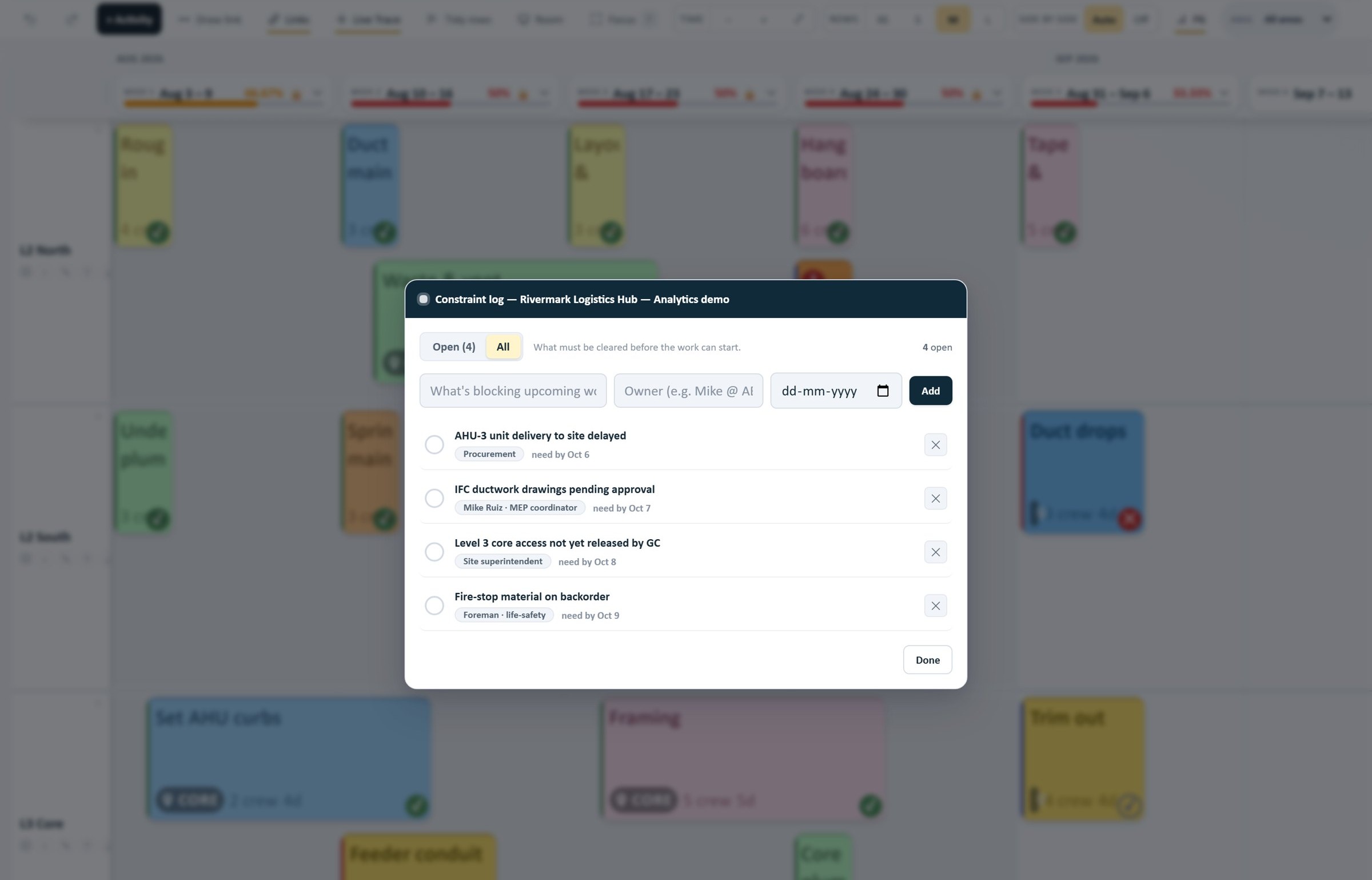
Keep constraints visible so the team knows what needs attention before work begins.
- Log a blocker with an owner and a need-by date.
- See what still needs clearing before the week is committed.
Illustrative demo project data.
Made for every role on the project
From the trailer to the boardroom, Zubos Planning speaks the language of construction.
Foreman
Marks this week’s tickets done, or missed with a reason — no paper, no retyping on Monday.
Superintendent
Runs the weekly pull session on the shared board, then commits and closes the week.
Project Manager
Reads PPC by week and by trade, without chasing anyone for an update.
Scheduler
Brings the master schedule onto the board as XML, and exports the board as Excel or XML to review alongside Primavera P6 or Microsoft Project.
Project Executive
Sees each project’s plan-health and its reliability trend at a glance before the OAC.
Owner
Sees each closed week’s Percent Plan Complete, which a late completion does not change.
In the app there are three roles — Admin, Planner and Viewer. Plans are priced by planning users; view-only users are included within each plan’s allowance.
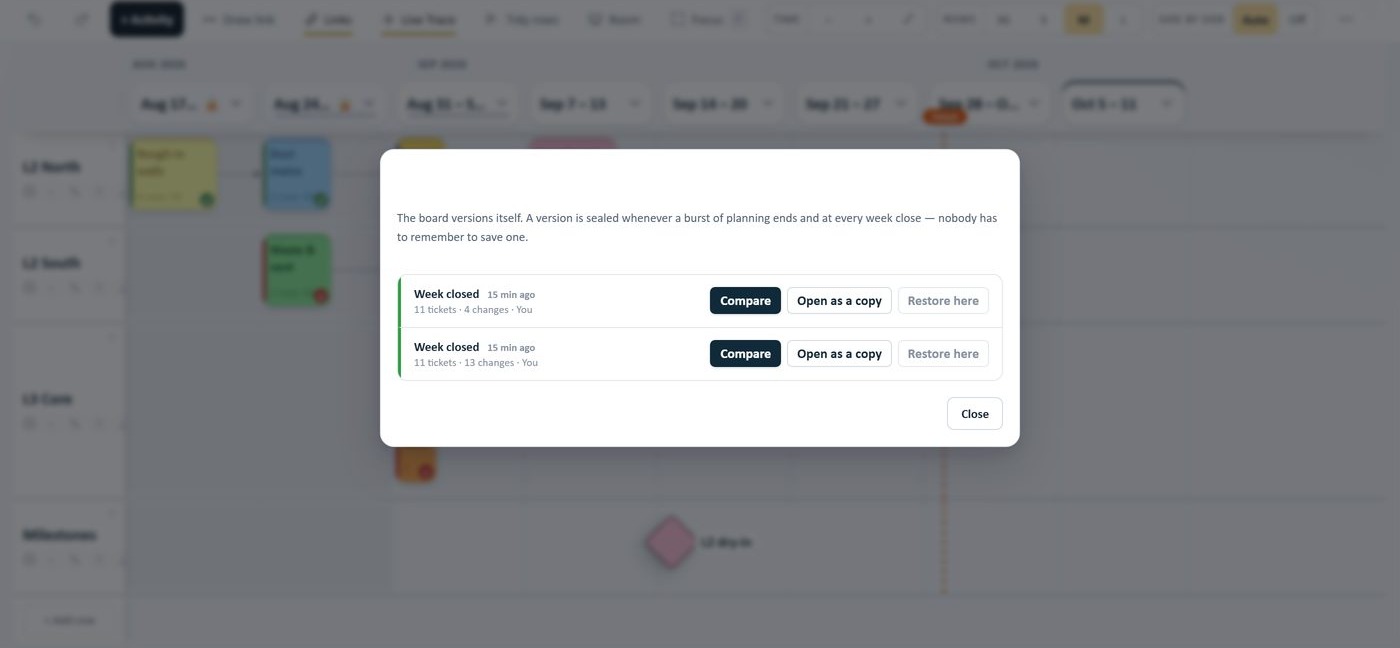
Board history. Illustrative demo data.
Built to keep the plan honest
Stop re-creating the plan every week and chasing sticky notes off the wall. Zubos Planning keeps the team aligned and the record straight — and you can still print the wall.
One product. Priced by project.
All product features included in every plan. Choose the capacity your project needs.
Try Zubos Planning free for 14 days.
No automatic charge. Paid plans aren’t available to buy yet.
Start free trialCrossed-out prices apply after the launch offer.
2 months free with annual billing on Individual, Team and Project. All prices and limits are USD, per project — never per user.
Individual
One planner coordinating a construction project.
- Planning users
- 1
- View-only users
- Up to 20
- Active boards
- 5
Team
Project teams with up to 20 planners.
- Planning users
- Up to 20
- View-only users
- Up to 50
- Active boards
- 15
Project
Larger project teams with up to 100 planners.
- Planning users
- Up to 100
- View-only users
- Up to 200
- Active boards
- 30
Enterprise
Tailored capacity for your organization’s projects.
Contact Sales
- Planning users
- By contract
- View-only users
- By contract
- Active boards
- By contract
Each priced plan is a subscription to the Zubos Planning web app for one construction project, with every product feature included; plans differ in capacity. See what is included. Paid plans aren’t available to buy yet. You can try Zubos Planning free for 14 days; to talk about access after your trial, contact us. Any fees are exclusive of tax. See our Terms and Refund & Cancellation Policy.
View-only users are included within each plan’s allowance. Subscriptions and allowances apply per construction project — the same person taking part in several projects counts separately in each, according to their role.
Questions, answered
Everything you need to know before getting started.
No. It runs in a modern web browser, with nothing to install. It needs a connection.
See it on a sample project.
A short walkthrough: we plan a week on a sample project and answer your team’s questions about how it fits your job.
Prefer a guided walkthrough?
A short call: we show you how Zubos Planning fits the way your project already plans, and answer your team’s questions.
Access is arranged with us. Online purchasing is not currently available. Request a demo, or write to support@zubos.io, and we will discuss access to Zubos Planning for your project.
- A board being planned. Tickets dragged, a link drawn, a constraint logged, a week committed.
- The weekly loop. Statusing and closing a week — the part that decides whether this survives month three.
- Your questions, on your job. And where it does not fit — we will tell you.
Or write to